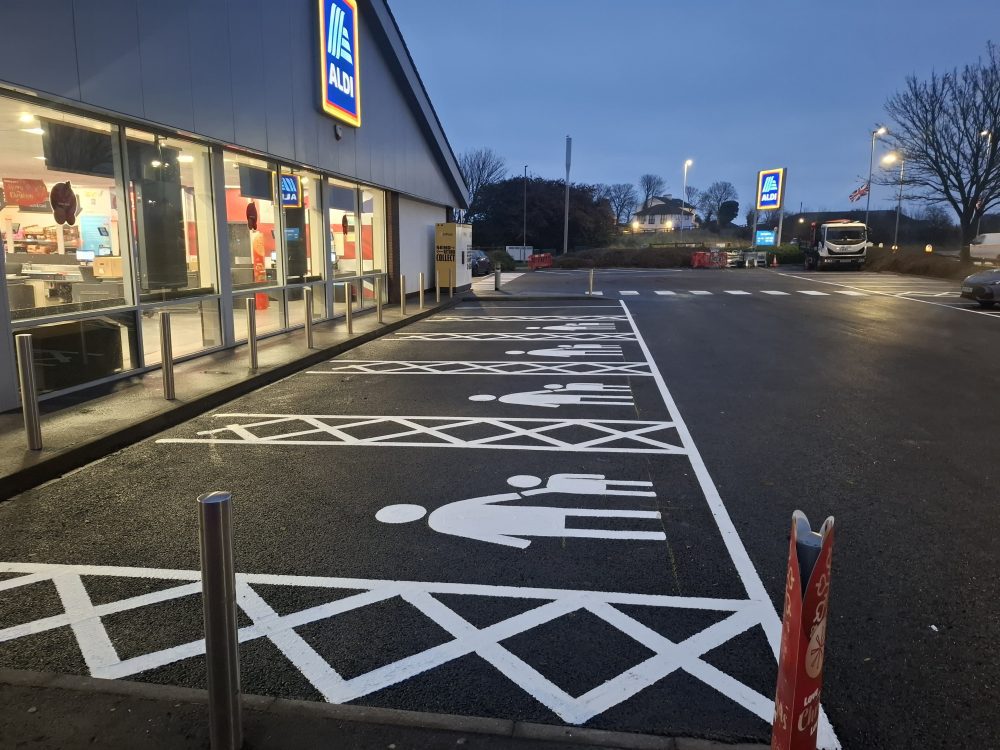
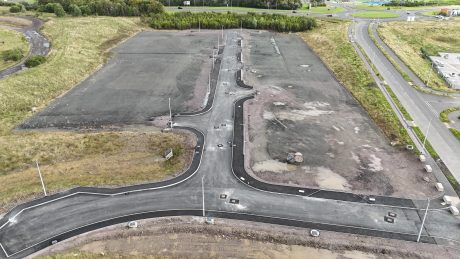
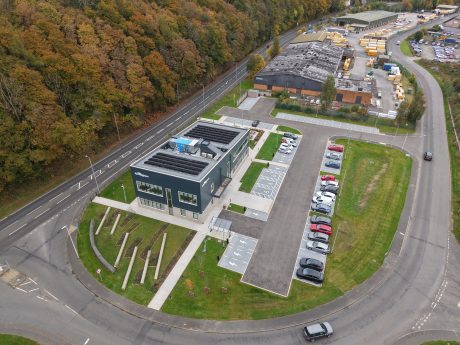
Founded on a legacy of family values and professional integrity, Luddon Construction is proud to set the standard in the construction industry.
For five decades, we’ve combined innovation with a family-oriented culture to deliver superior results.
Our approach is rooted in collaboration and driven by a dedication to sustainability, employee development and client success.
Get Started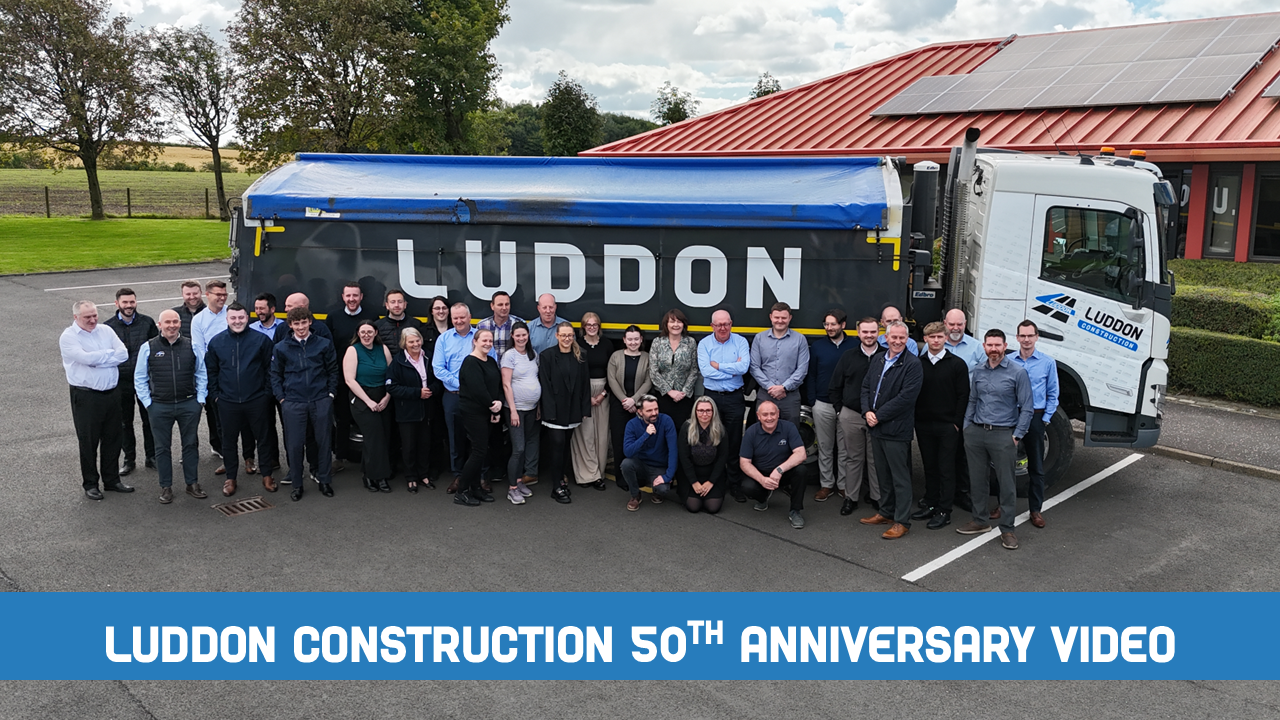


Luddon Construction Limited
Registered in Scotland: SC057943
Website by Creo Design , Part of the Solutions on Demand Group.
Luddon Construction © 2026. All rights reserved.